Simplified configuration of PCC
Simplified configuration of Payroll Control Center
As of EA-HRRXX 608 SP29, the configuration process for Payroll Control Center is simplified.
To use the simplified configuration of Payroll Control Center, you must have activated the business function HCM_LOC_CI_92.
The back end configuration must be done under Customizing for Payroll: International -> Payroll
Control Center -> Payroll Control Center Configuration Simplification.
Define Check types
These check types will be later assigned by the payroll process manager to policies on the front end as validation rules
The payroll process manager can access the Process Configuration wizard using the URL
https://<host>:<port>/sap/bc/ui5_ui5/sap/hrpy_pcc_conf_2/index.html?sap-client=<client>&sap-uilanguage=<
language_code>
The payroll process manager can access the Process Configuration wizard using the URL
https://<host>:<port>/sap/bc/ui5_ui5/sap/hrpy_pcc_conf_2/index.html?sap-client=<client>&sap-uilanguage=<
language_code>
Define process step templates.You will need to assign these step templates to process templates.
These process steps will be steps for process showing on front end .
Define process templates
Define process and policy namespace. You must define process and policy namespace before you can define process types and policy types.
Note: Namespace is not allowed if processes and policies of the same namespace already exist in the
development system.
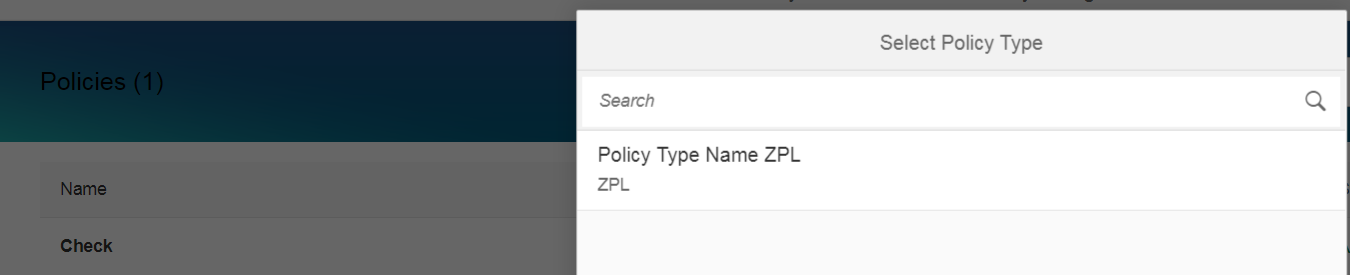
Define policy types. These policy types will be used later by the user who creates policies using the policy configuration wizard
on the front end in the production system. A policy type collects the technical properties for defining a policy.
on the front end in the production system. A policy type collects the technical properties for defining a policy.
To the user who creates policies in the production system using the configuration wizard, the policy type with a certain business description is enough. The technical details is hidden from this user.
Define process types Similar to the policy types, the process types will be used later by the user who creates processes using
the process configuration wizard on the front end in the production system.A process type collects the technical properties for defining a process.
the process configuration wizard on the front end in the production system.A process type collects the technical properties for defining a process.
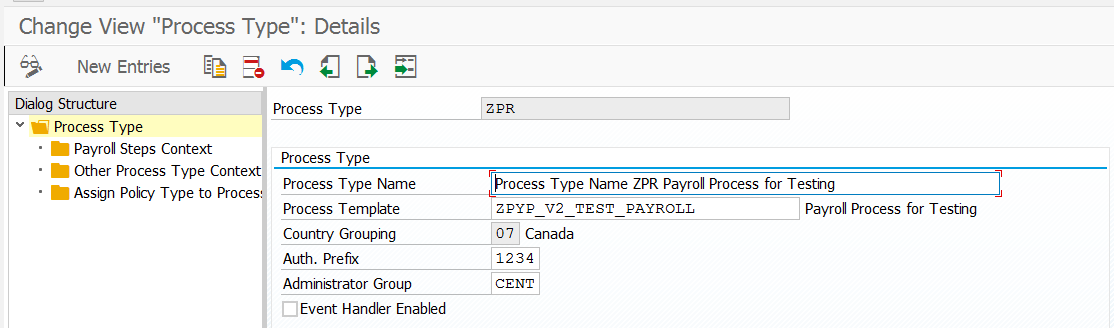
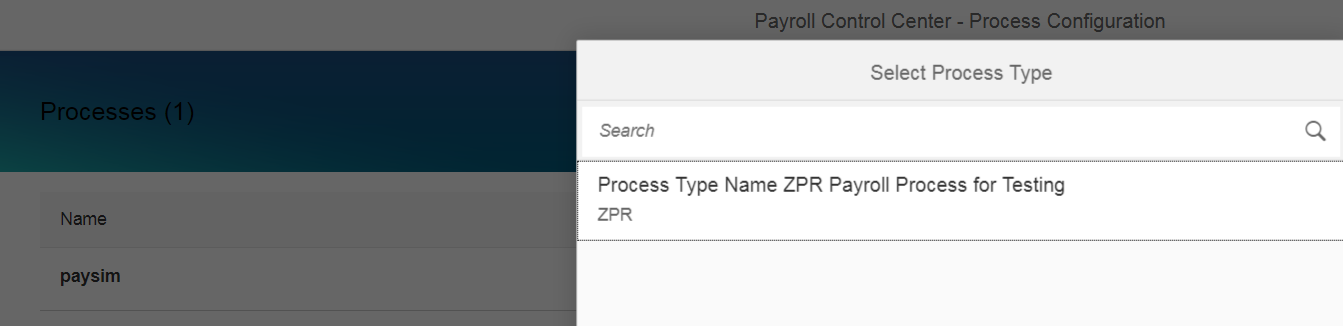
To the user who creates processes in the production system using the configuration wizard, the process type with a certain business
description is enough. The technical details is hidden from this user.
description is enough. The technical details is hidden from this user.
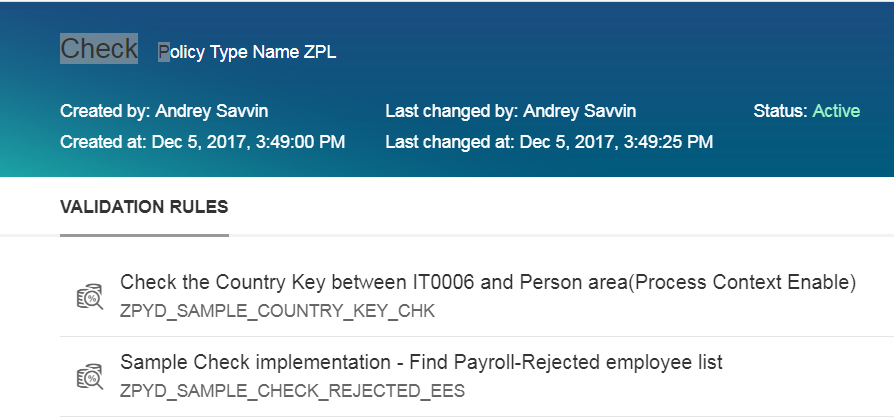
Example of policy created on front end included 2 validation rules
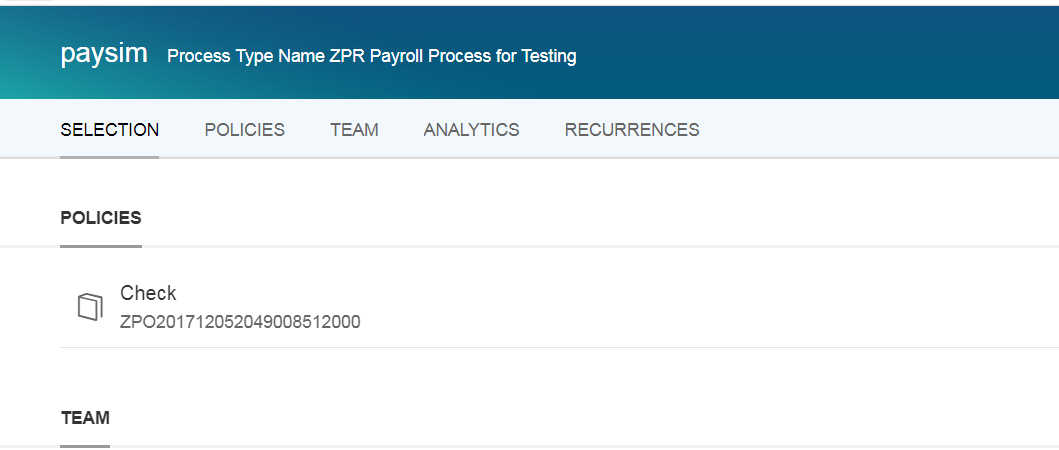
Example of process created on front end included policy
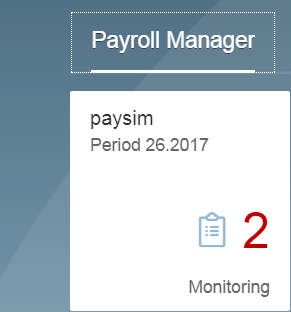
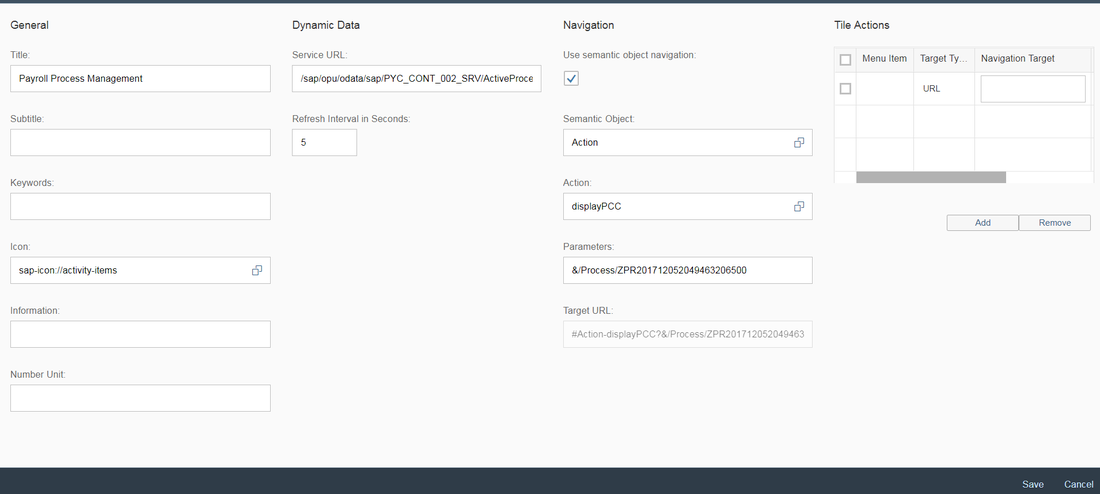
Example of Fiori tile created for Payroll control center
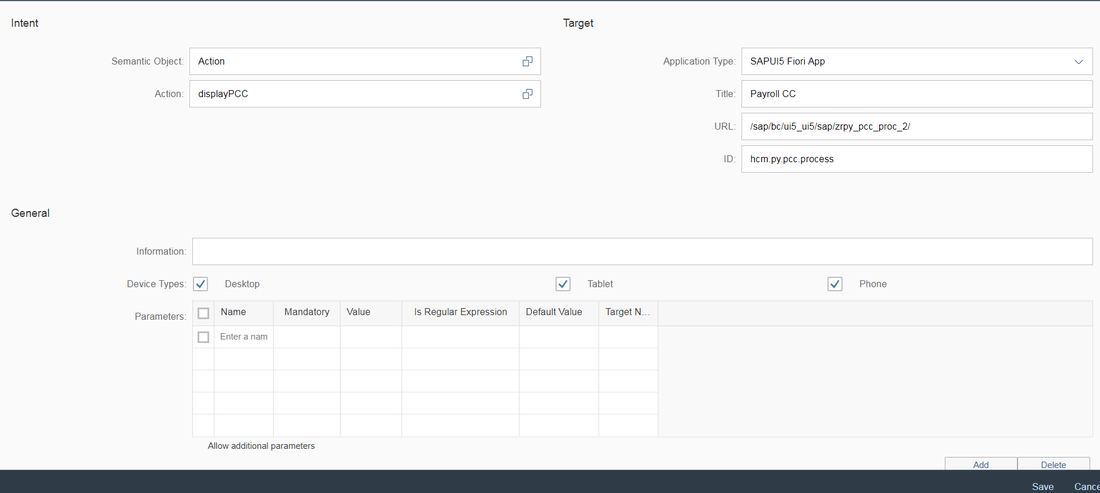
Fiori target mapping added to the one of groups
Fiori tile configuration added as Application Launcher - Dynamic
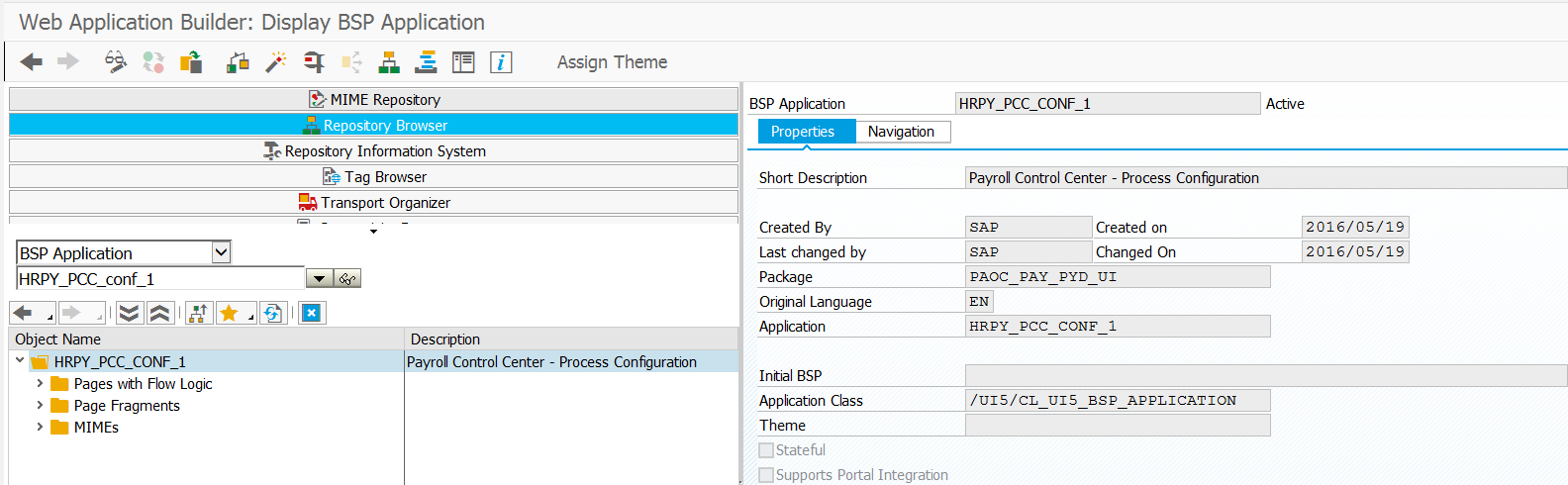
BSP Apps for process configuration
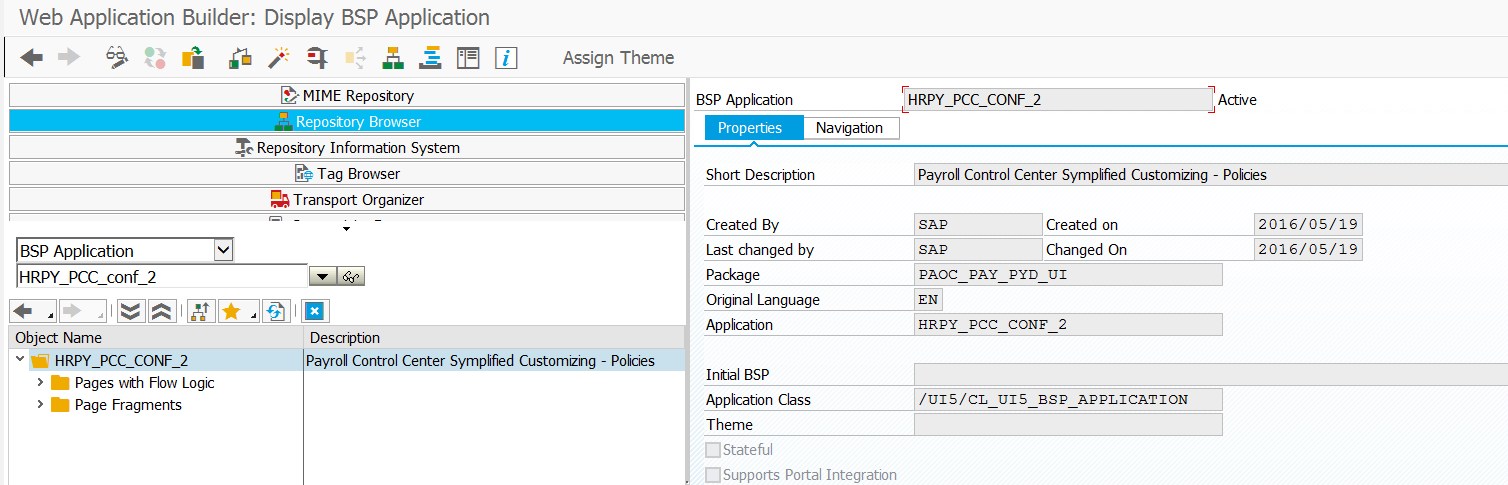
BSP Apps for policy configuration
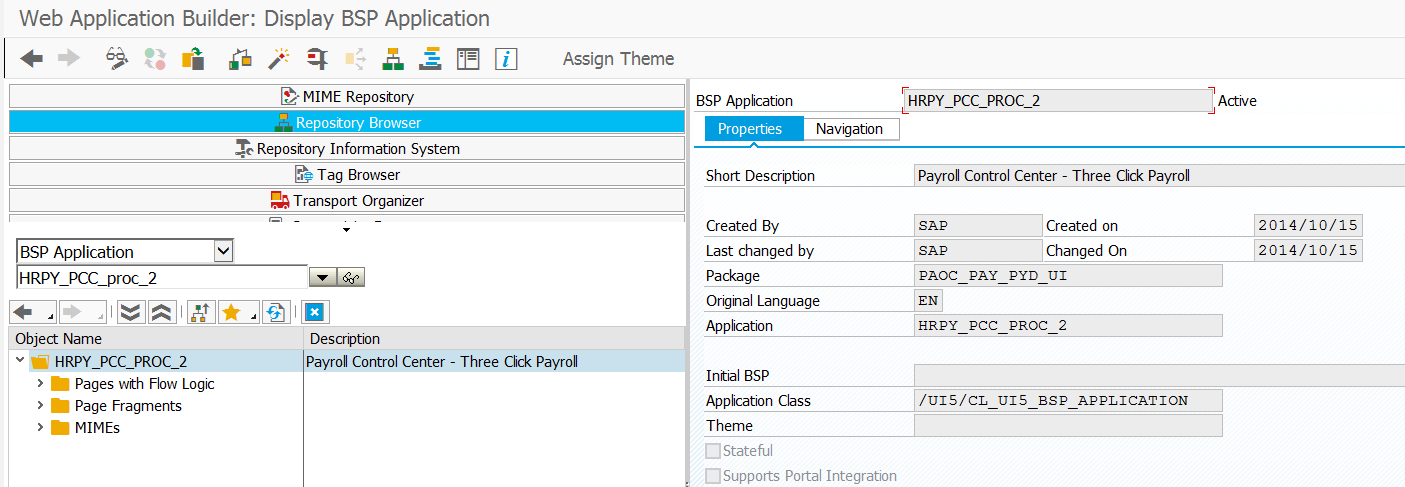
BSP Apps for Payroll Control Center PCC
Fiori gateway services activated

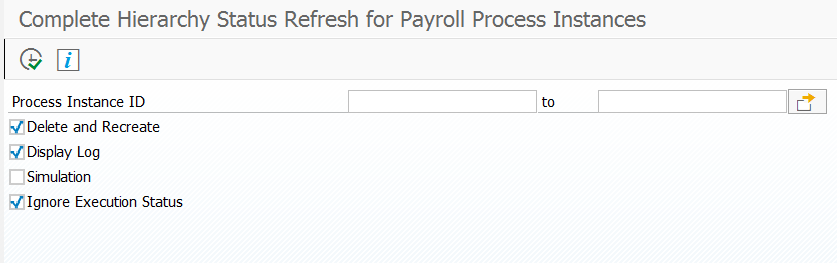
Report PYC_RESET_PROC_INST completely refresh and recreates processes
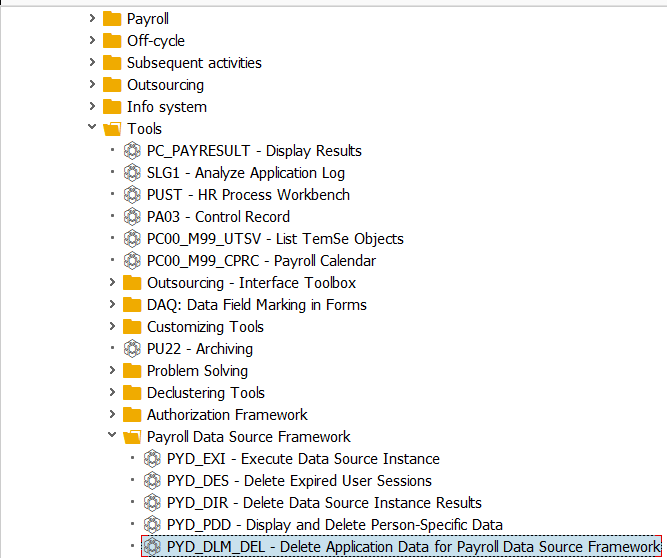
More tools to delete PERNR and TRY results for de clustering data